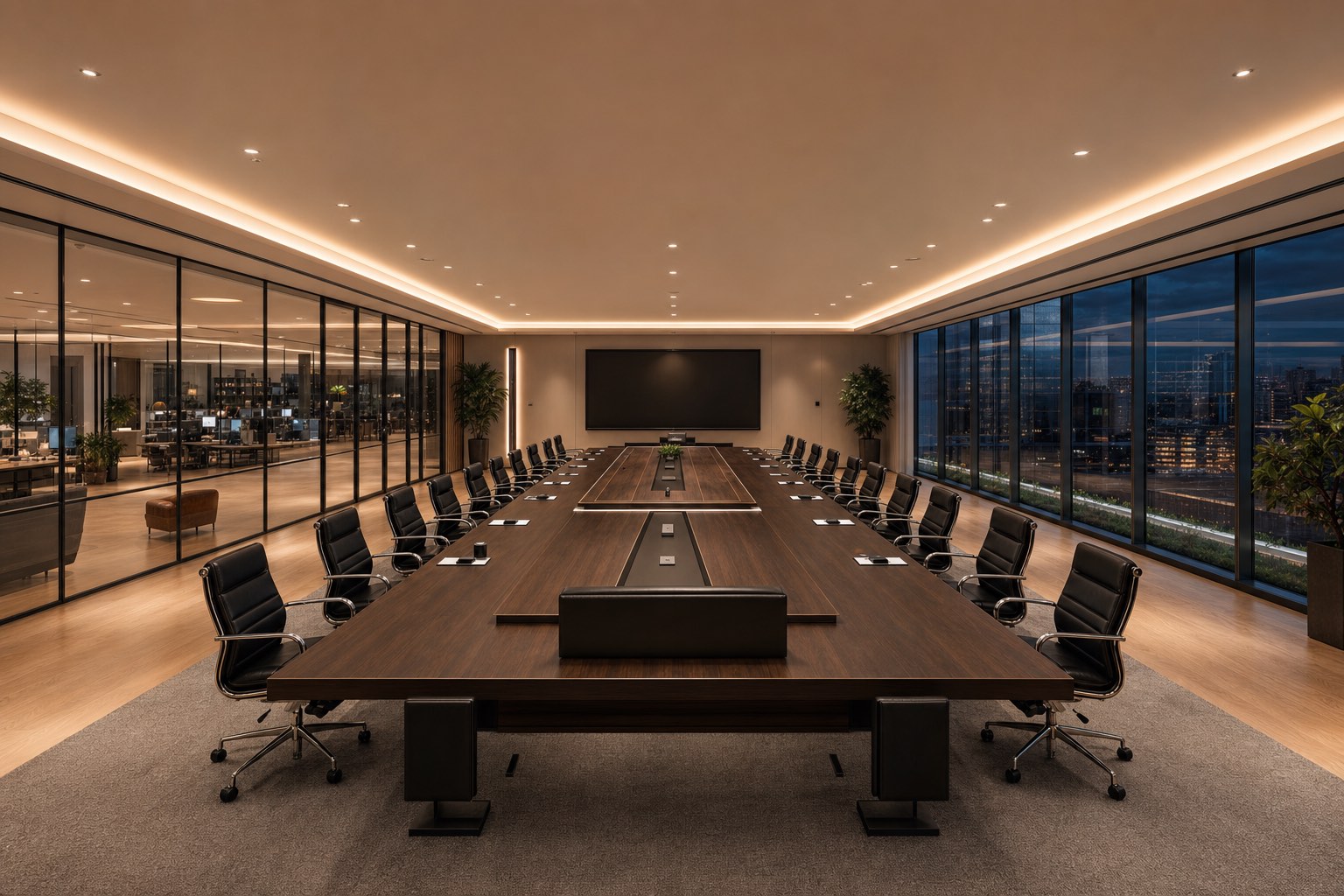
A real place, rendered. Not a list of names in a sidebar.
OpenAGI runs one hyper-real, walkable office. You do not open a chat window: you walk in, cross the floor, and stand where the work is. The same world renders in the desktop app and, when you are a guest, directly in your browser. No download to visit.
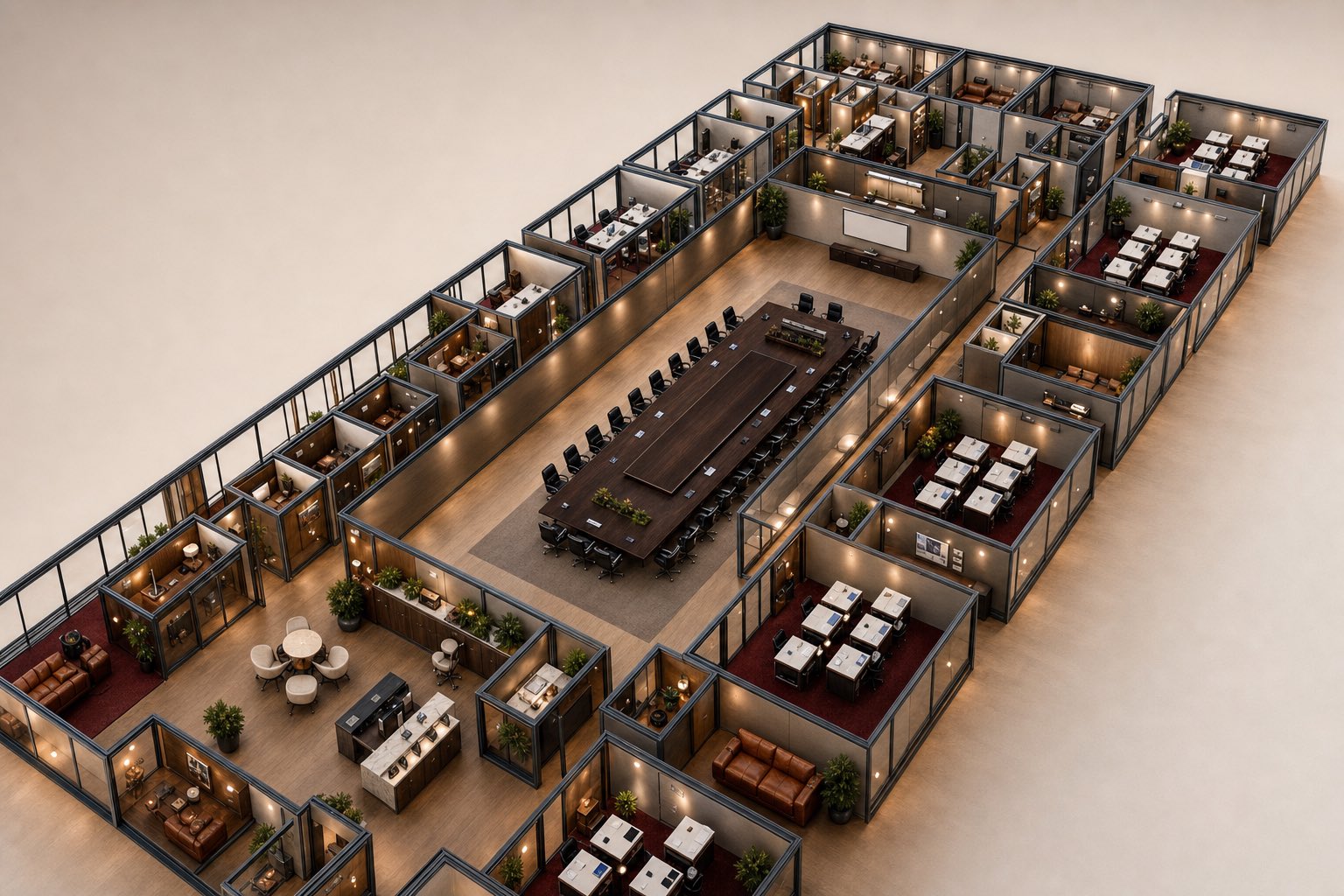
Walk the floor
Rooms, desks, and shared spaces you move through with intent. Presence is spatial: who is near, who is deep in a room, who is at their desk. The shape of the working day becomes something you can see.
Visitors need no install
An invited guest enters the live office in the browser, with nothing to install. The team works from the OpenAGI app on their own machines, never from the web.
Your AI teammates have seats too
The agents on your team are not a chat box in a corner. They hold seats on the floor and work in rooms, present in the same space as everyone else.
You arrive somewhere, not into a grid
The office has a front door and a reception, the same materials from the floor to the boardroom. Arriving in OpenAGI feels like walking into a building your team keeps, not opening one more tab.
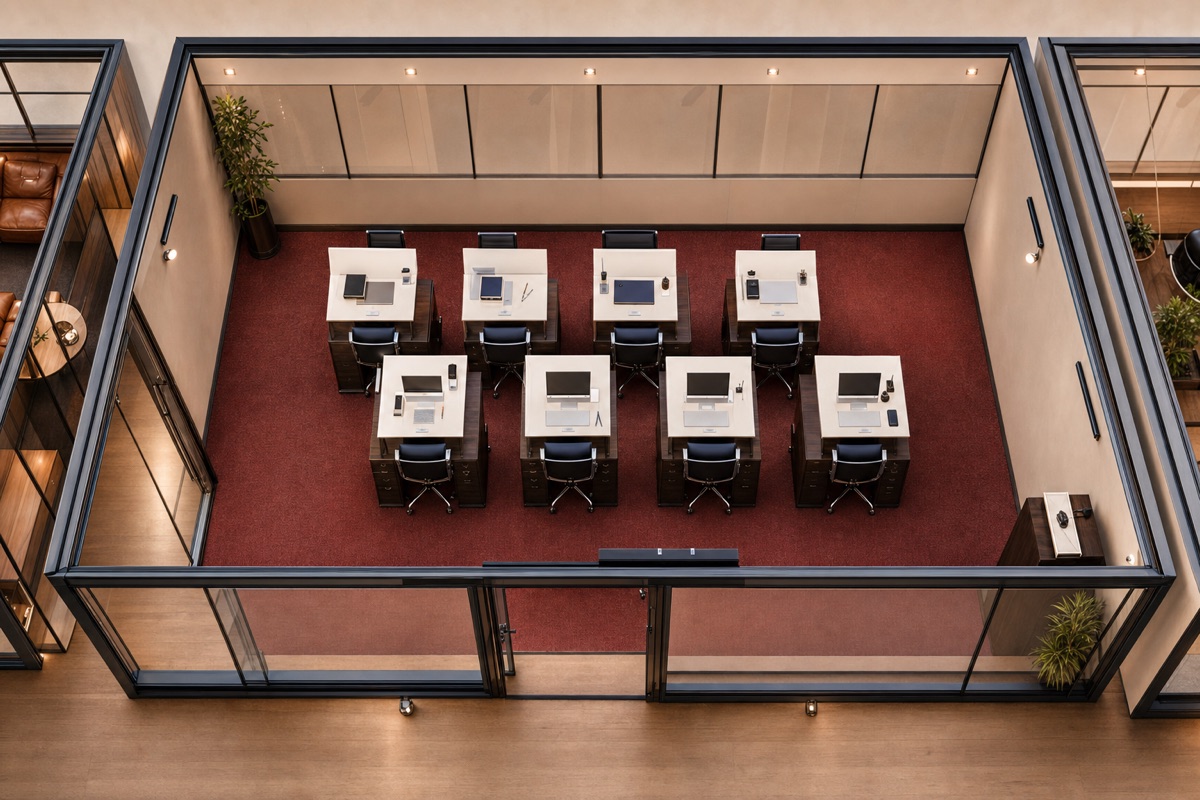
Take your seat, and the floor knows you are here.
Presence in OpenAGI is felt, not listed. Your seat is yours, your live face sits on your body, and sound belongs to the room you are standing in.
- 01
Your live face, on your body
Your seat resolves from your initials into your presence, your live face carried on your figure on the floor, with a soft, spatialized chime so the room registers that you have arrived.
- 02
Audio has a location
Conversation carries where you are and fades where you are not. You hear the room across the floor, the way a real office sounds, not a flat single channel.
- 03
Privacy is a door, not a setting
Step into a room and close the door. A closed door holds your face and voice inside completely, and only the people you admit can step in, so a quiet conversation stays quiet.
As simple as a meeting link. As natural as knocking on a door.
A meeting in OpenAGI is a room with a door. Your host sends you an invitation link, and an access code separately; you arrive at the reception, on the floor, and walk to the room.
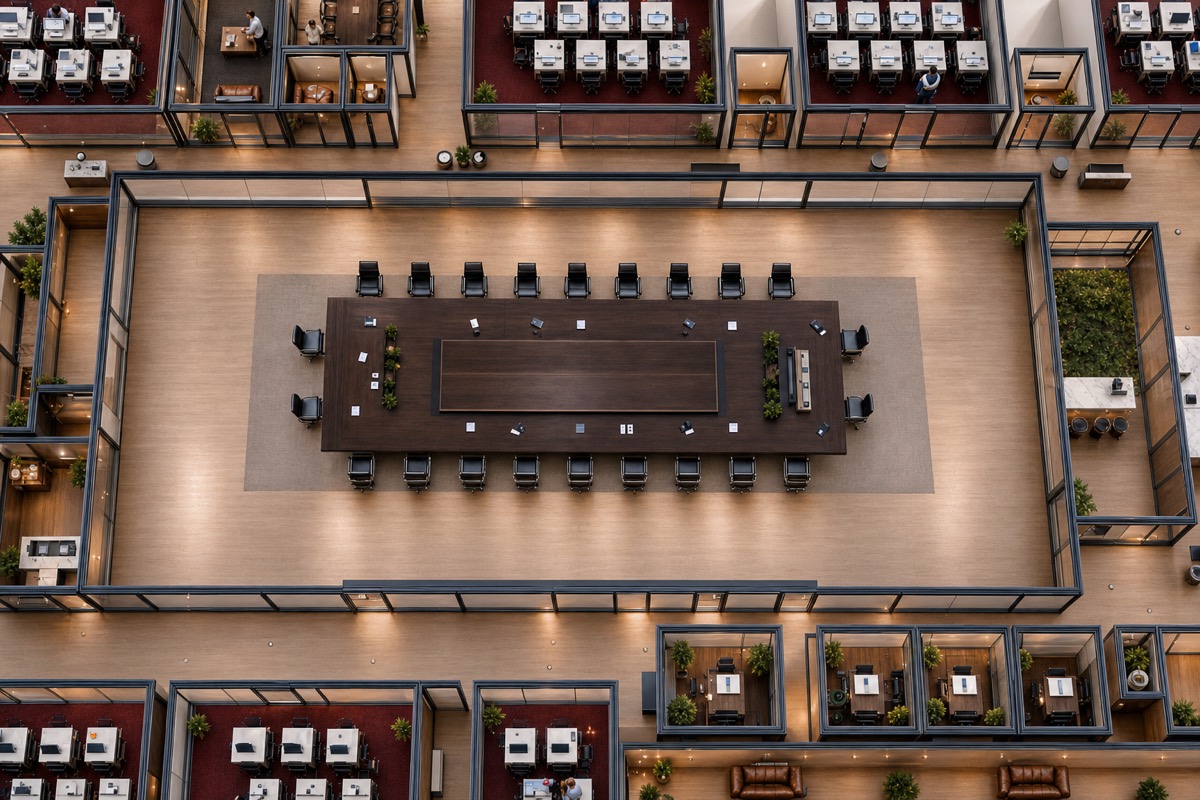
Rooms have doors
Every room can be closed. Knock to ask in. Nothing about the conversation inside leaks until you are admitted.
You arrive at the reception
Your link and your code put you on the floor, at the reception. No silent limbo, no guessing whether you are connected.
The person inside admits you
A room in use stays closed until someone inside lets you in. The office opens in your browser. Nothing to install to join.
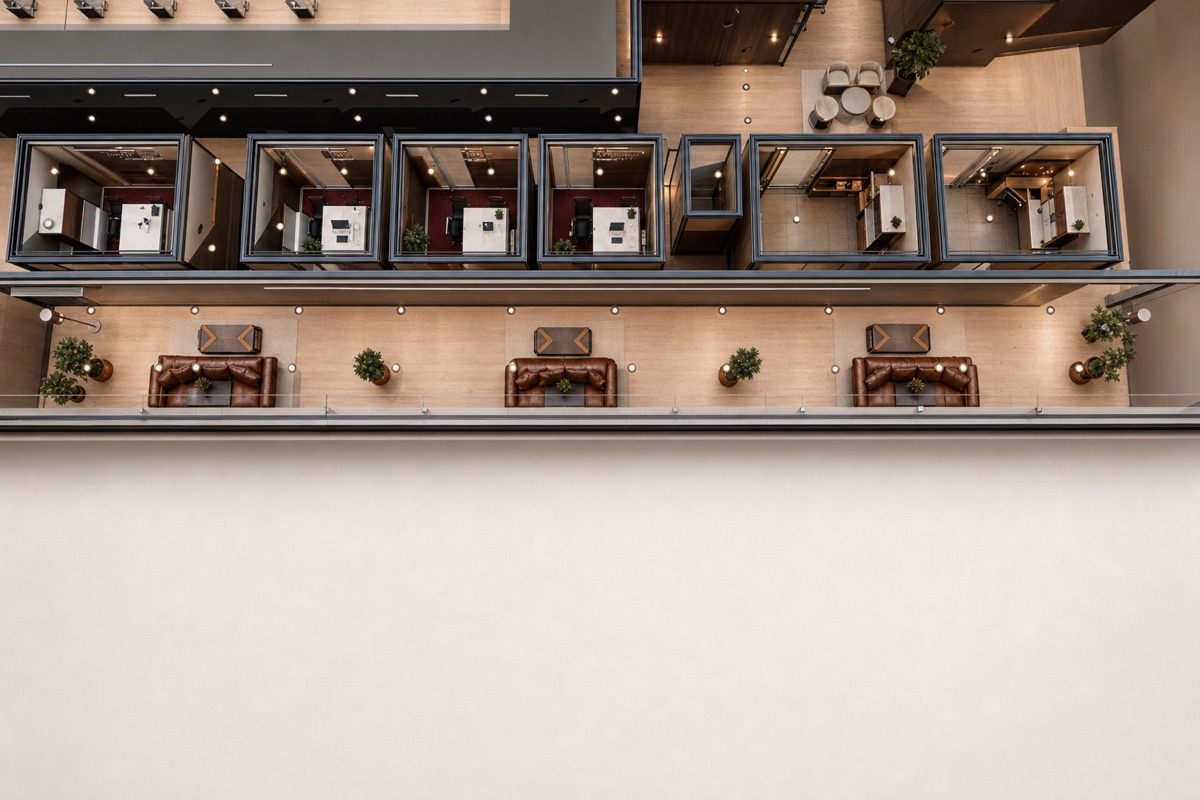
An office has a lounge. So does this one.
Between meetings, the floor keeps living. The lounge is where you step out of a room without leaving the office: your presence carries with you, and the conversation stays where it happens.
- 01
Step away, not offline
Cross from a work pod to the lounge and the floor knows where you are. Stepping away is a place you walk to, not a status dot you set.
- 02
Sound stays where it lives
Lounge talk stays in the lounge. The boardroom cannot hear it, and you cannot hear the boardroom, the way a real building keeps its rooms apart.
- 03
Room to think
Not every hour is a meeting. The lounge gives the office the part of a real building where the unplanned conversations happen.
Built to be owned, not rented.
OpenAGI runs on infrastructure the team controls, with security designed in from the first line rather than bolted on. The office you walk in is the surface; underneath it is a hardened, auditable spine.
Opaque, server side
Sessions live on the server as opaque handles, not as tokens a browser can read or a script can lift.
Passwords hardened at rest
Passwords are stored with a memory-hard hash. Reset and download links are single use and expire quickly.
Separated by design
Administration lives behind its own private network and its own walls, apart from the public surface a visitor ever touches.
A tamper-evident record
Sensitive actions are written to a hash-chained log, so the record of what happened cannot be quietly rewritten.
Getting into the office is simple.
Open the invitation link your host sent you, enter the access code they sent separately, and you arrive in the live office in your browser.
Open your invitation
Your host sends you a personal invitation link. It opens in your browser. No download and no account are needed.
Entering the officeEnter your access code
Your host sends the access code separately from the link. The link is the address; the code is the secret.
See the visitor guideWalk onto the floor
You arrive at the reception, on the floor. The office opens in your browser.
Entering the office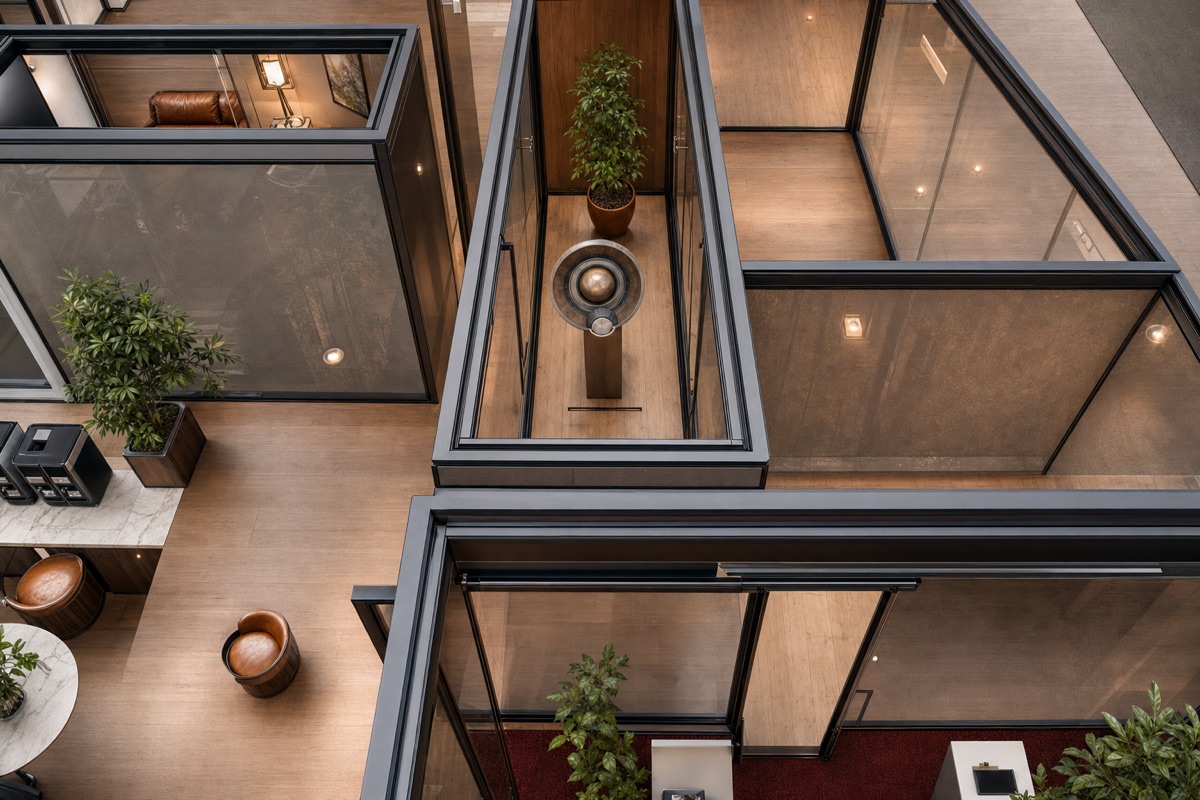
The floor is by invitation.
OpenAGI is opened to teams one at a time. If you would like your team on the floor, leave your email and we will reach out with an invitation.
We reply from a person, not a form. Already invited? Open your invitation link.
Walk into the office your team already lives in.
If your host sent you an invitation link and an access code, you are one step away from the floor. The live office opens in your browser, with nothing to install and no account.